BIMODEL Logo

Bring your products into BIM and take part in major projects.

BIModel turns your building products into BIM models that architects, engineers and project teams can use directly, helping your brand become visible and considered earlier in projects.

FACADE SYSTEMS
DOORS & WINDOWS
HVAC
ELECTRICAL
LIGHTING
CERAMICS
SANITARY WARE
BUILDING CHEMICALS
INSULATION
ELEVATORS & VERTICAL TRANSPORT
ALUMINIUM SYSTEMS
FURNITURE & INTERIOR
FACADE SYSTEMS
DOORS & WINDOWS
HVAC
ELECTRICAL
LIGHTING
CERAMICS
SANITARY WARE
BUILDING CHEMICALS
INSULATION
ELEVATORS & VERTICAL TRANSPORT
ALUMINIUM SYSTEMS
FURNITURE & INTERIOR

What is BIM?

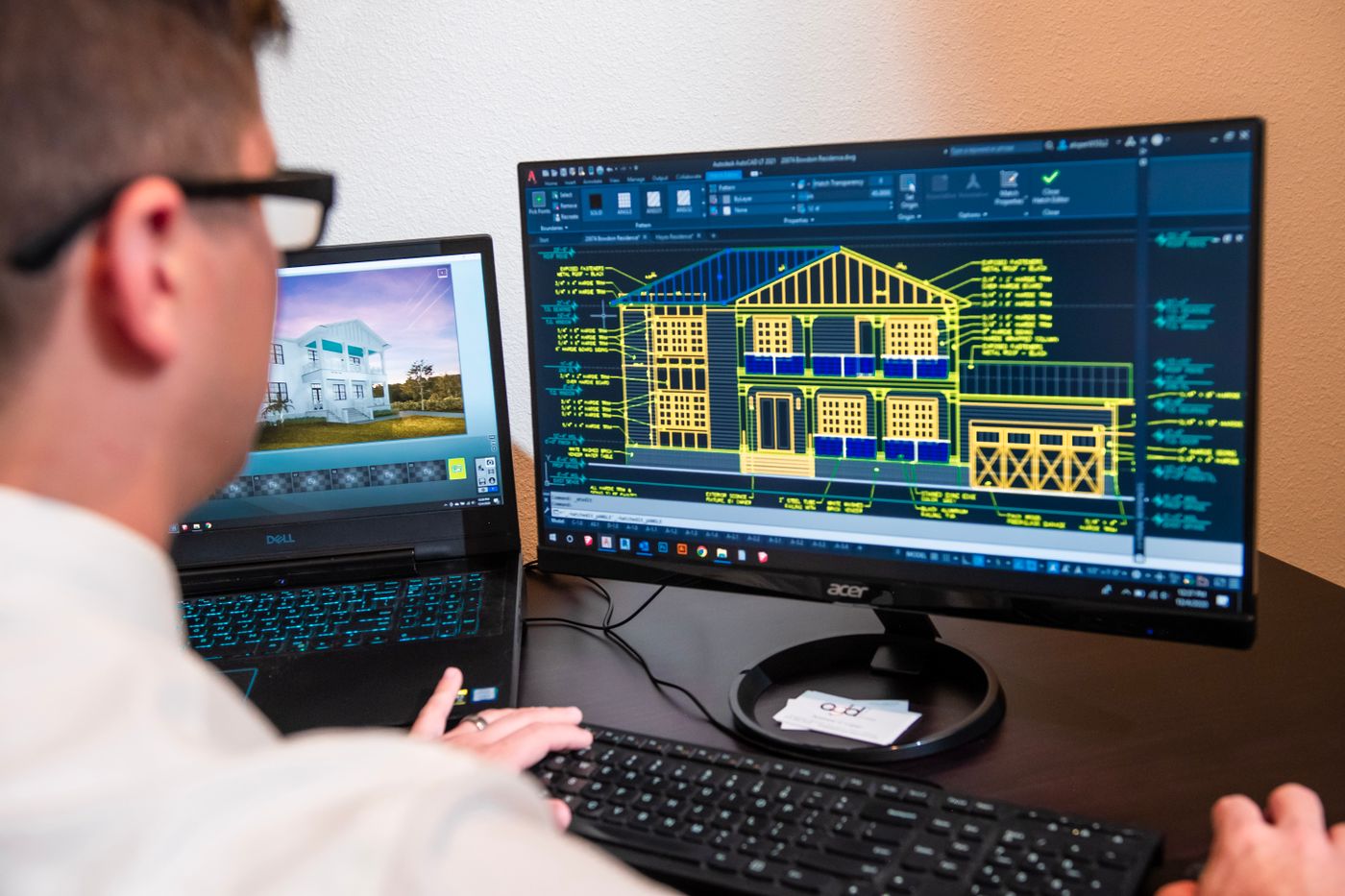
BIM moves your product out of a catalogue and into the working environment of project teams. Architects and engineers can find your product digitally, review it with its technical information, and drop it straight into their models. That means visibility for your brand, more chances to be part of the project, and a digital edge over the competition.

01

Be ready as a BIM model to be seen in projects

If your product is not available as a BIM model, project teams cannot bring it directly into the model. Show up in the correct format, with the right technical data, ready to be used in real project files.

02

Get involved in design decisions earlier

When architects, engineers, and project teams can find your product and add it to their models, your brand does not just become visible; it becomes part of the technical evaluation and product selection.

03

Get ready today for the requirements of tomorrow

BIM-based workflows, digital project delivery, and structured product data are becoming more important each year. Prepare your products for digital project workflows now instead of catching up later.

04

Do not fall behind while competitors show up

If your competitor's product is easy to find, download, and add to the project, they can enter the decision process before you. Sometimes it is not the best product that wins; it is the one that is digitally most accessible.


Before your sales team even reaches the project, your product can already be on the project team's screen.

Well-prepared BIM content lifts your product out of a marketing catalogue and turns it into an option that is actually evaluated, compared, and used inside real projects.

Our Services

Modelling, technical data, documentation, manufacturer pages, and update management, brought together in a single visibility system.

BIM model creation

We turn your products into Revit and IFC content that works in real project use.

Product data structuring

We move scattered technical information into a clean data structure architects and engineers can use.

Manufacturer pages

We present your product families, BIM models, and documents in a structured brand space.

Hosting in the BIM library

BIM files, technical documents, catalogues, and certificates are hosted in one accessible structure.

BIM readiness assessment

We answer together where to start, which technical data is missing, and which formats are required.

Version and update management

We treat BIM content not as a one-off file, but as a living digital product asset.

How we work

You do not need to convert your entire product range at once. We start with the highest-potential product family for a fast and controlled beginning.

01

We review your product range together

Product families, technical documents, existing CAD files, catalogues, and any current BIM models are assessed.

02

We identify the priority products

We select the products with the highest project-use potential to define the first scope.

03

We collect the technical data

Dimensions, variants, material information, performance values, certificates, and technical documents are brought together.

04

We build the BIM models

We avoid unnecessary geometry and strike the right balance between usability and technical accuracy.

05

We review it with you

The prepared content is reviewed with the manufacturer's team for technical accuracy and up-to-date data.

06

We publish and keep it up to date

Approved products are published with their files, technical data, and documents; changes are managed in a sustainable way.

01

We review your product range together

Product families, technical documents, existing CAD files, catalogues, and any current BIM models are assessed.

02

We identify the priority products

We select the products with the highest project-use potential to define the first scope.

03

We collect the technical data

Dimensions, variants, material information, performance values, certificates, and technical documents are brought together.

04

We build the BIM models

We avoid unnecessary geometry and strike the right balance between usability and technical accuracy.

05

We review it with you

The prepared content is reviewed with the manufacturer's team for technical accuracy and up-to-date data.

06

We publish and keep it up to date

Approved products are published with their files, technical data, and documents; changes are managed in a sustainable way.

Show up in the same project environment as the big brands.

Visibility in the project world is not built by marketing budget alone. If your product is easy to find, presented with the right data, and simple to add to the project, it gets more chances to be evaluated.

  • Make your technical data accessible
  • Let your product be downloaded and added to projects
  • Present your documents under one structure
  • Use the advantage of being digitally more accessible
  • Make it easier for project teams to discover your brand
  • Open a visibility channel that does not depend on marketing spend

How visible are your products inside projects?

In our first conversation, we review your product range together and identify the family that can produce the fastest commercial return.